TripoSplat
Strong 3D form and texture from one image. A single view leaves more of the hidden shape for the model to invent.
Gaussian splat · SPZA botanist, a damaged ship, and an unfamiliar world.
Character design and cinematic storytelling shaped through generative workflows.
Bob’s angular hood, respirator, green cape and glowing chest vial give him a recognizable silhouette.
Front, side and rear views establish costume, proportions and equipment.
Close-up helmet and head character sheet.
A short rotation study of the hood, cape, and equipment, created with ComfyUI and MiniMax H3.
The approved orange-blush tabby identity appears across six views. Poppy’s orange coat, green eyes, and pink collar establish the companion’s current design.
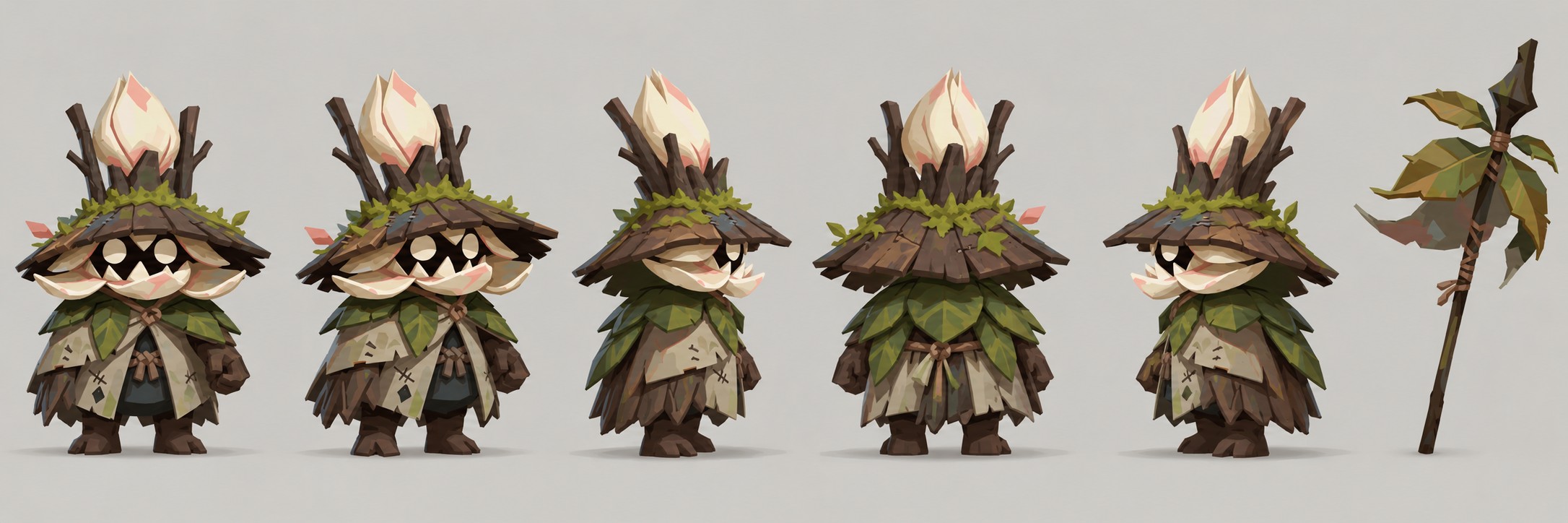
The shopkeeper’s flower-bud hood, leafy mantle, and branch-topped staff establish a distinct botanical character.
This portion of the teaser trailer was established using the following six images as story beats.
Created with MiniMax H3. Start and end frames, key-frame references, Maya playblasts, video extension and DSSL 5 upscaling shaped the final sequences and trailer.
Bob at the controls of the Flounder.
An atmospheric-entry failure floods the cockpit with red emergency lights.
The damaged ship against an expansive horizon.
A path into the ruined landscape.
A practical task within the larger journey.
The planetary vista that anchors the closing scene.
Three distinct image keyframes shaped the planting sequence, which MiniMax H3 developed into motion.
Hands place the seed in the dry soil.
The sprout breaks through.
Fresh leaves introduce a new focal point.
Petals become armor, seed pods become bodies, and stems become limbs. We tailored a Krea 2 workflow to act as Botanist Warrior’s art director, carrying its palettes, shapes, and character cues into consistent new designs.
Stalks and petals organize the silhouette.
A low stance beneath broad petal shapes.
Layered leaves and cream petals frame the creature’s simple, readable face.
Overlapping plates and bright petal accents.
Source is from Pinterest Alien Like Bugs.
Approved design study.
Source is from Pinterest Alien Like Plants.
Approved design study.
This transformation was built with a dedicated workflow for the shot.
Created with ComfyUI, Krea 2 and Qwen Image 2.1 Edit.
Created with ComfyUI, Krea 2 and Qwen Image 2.1 Edit.
Created with ComfyUI, MiniMax H3 and Krea 2. The MiniMax shot used an environment-only start frame, Bob’s character sheet, a Maya playblast and a reference image for the final frame, bringing two visual states into a moving encounter.
The Krea 2 Botanist Warrior Art-Director workflow carries shared botanical shapes, materials, and color cues across the shopkeeper, seed-pod companions, and field tools.
A traveling botanical merchant with a petal-crowned hat, leaf-woven staff and layered field gear.
A family of expressive seed pods, from an unopened bud to curious sprout forms.
A broad, grooved digging blade and wrapped handle for tending unfamiliar flora.
A long-handled field blade with a wrapped grip and botanical detailing.
Footage of the in-game visual language, with quirky NPC characters building out the world.
Footage of the in-game visual language, showing character movement through a clearly defined space.
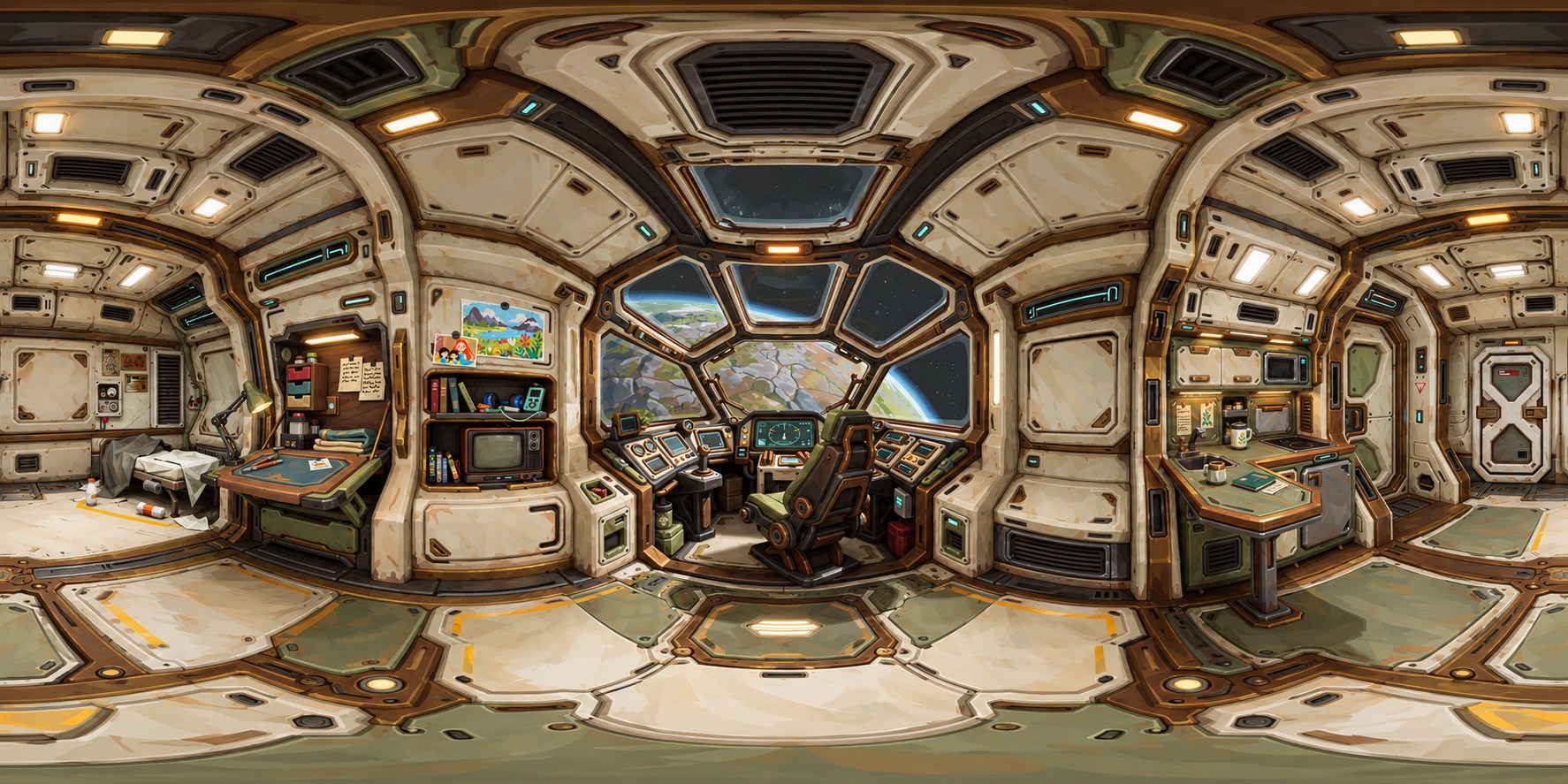
Worn cream panels, bronze framing, olive furnishings and small cyan indicators establish a practical, lived-in ship. The 360° browser panorama lets visitors look around from one point; a full walk-through would need a 3D scene.
Loading the Flounder panorama…
The Krea 2 Botanist Warrior Art-Director created the individual views; ChatGPT Image 2.0 stitched them into this 360° panorama. Drag or swipe to look around the interior.
Segmented windows and forward controls.
Personal objects and a compact work area.
Domestic functions within the ship.
Storage and access at the back of the cabin.
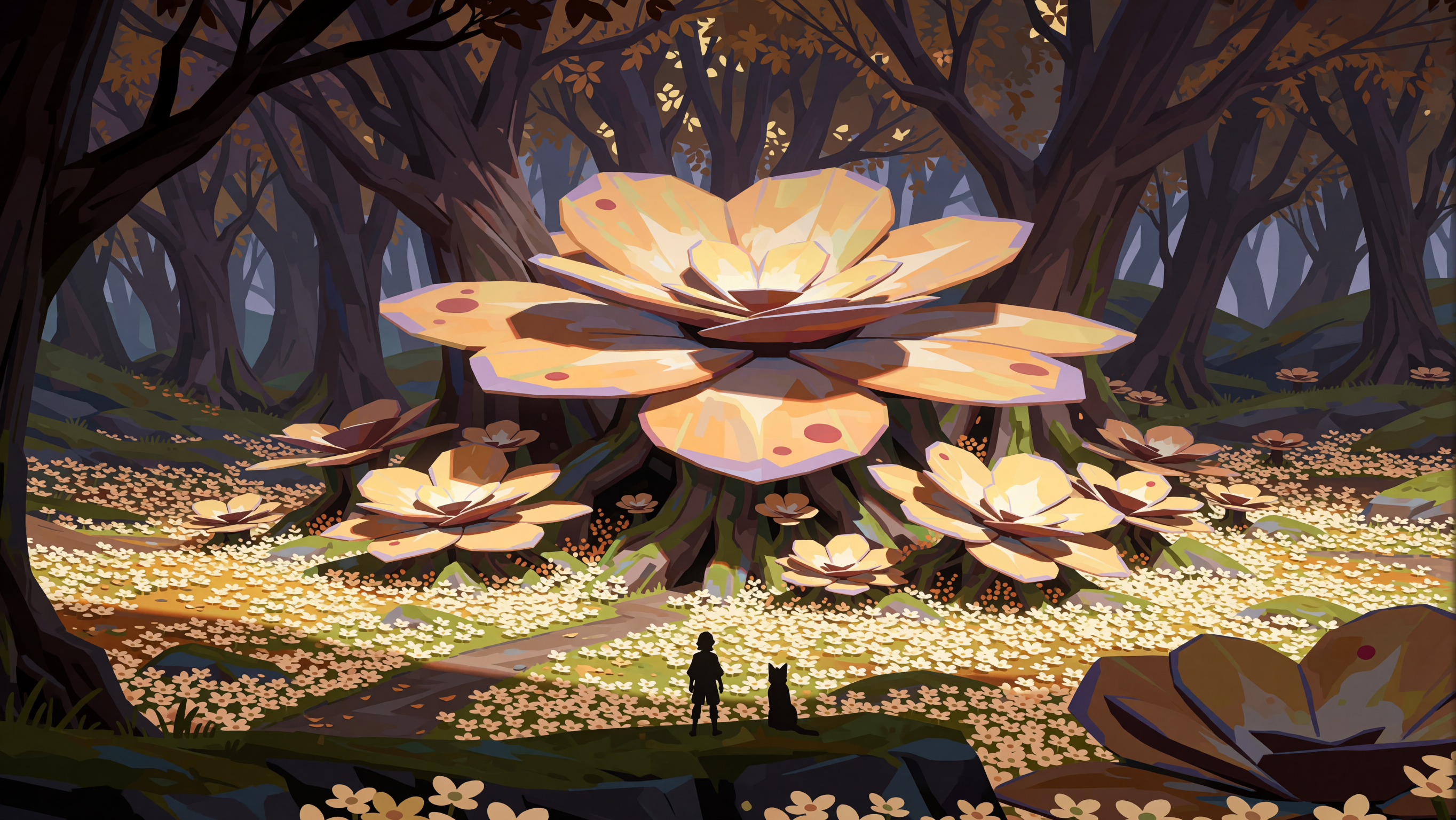
Layered trunks frame a route through the setting.
Repeating forms guide the eye into depth.
Magenta foliage and reflected light.
Warm practical light and specimen-filled shelves.
The production materials include Maya scene blocking, camera studies, ComfyUI graphs and editorial projects. These examples show the different decisions involved in developing a shot.
An A/B swipe compares the Maya playblast with the finished sequence.
Maya playblast camera blocking guided the ComfyUI MiniMax H3 render for this sequence.
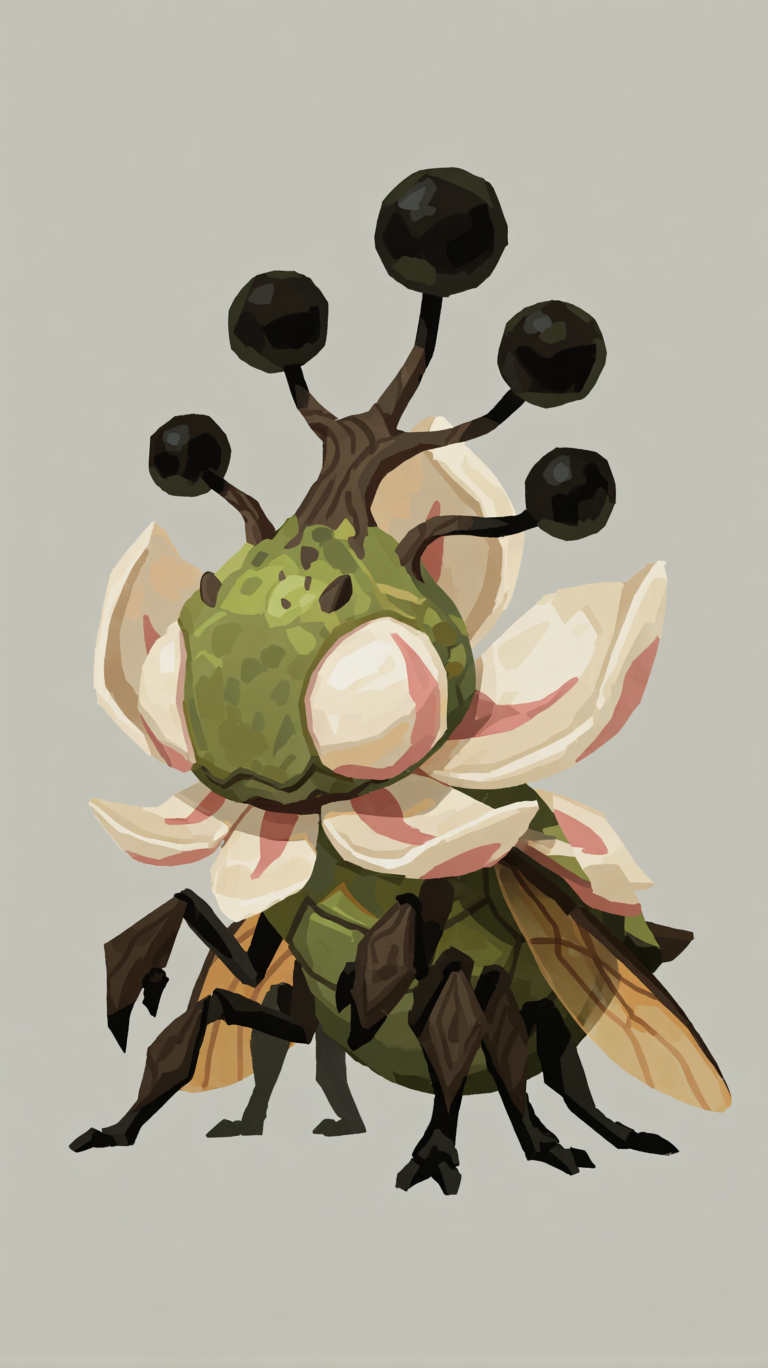
The orb-tipped creature retains execution-prompt data inside its PNG. The recorded pipeline uses Krea 2 Turbo at strength 1, followed by an 8-step sample and VAE decode.
ComfyUI workflow JSONOriginal PNG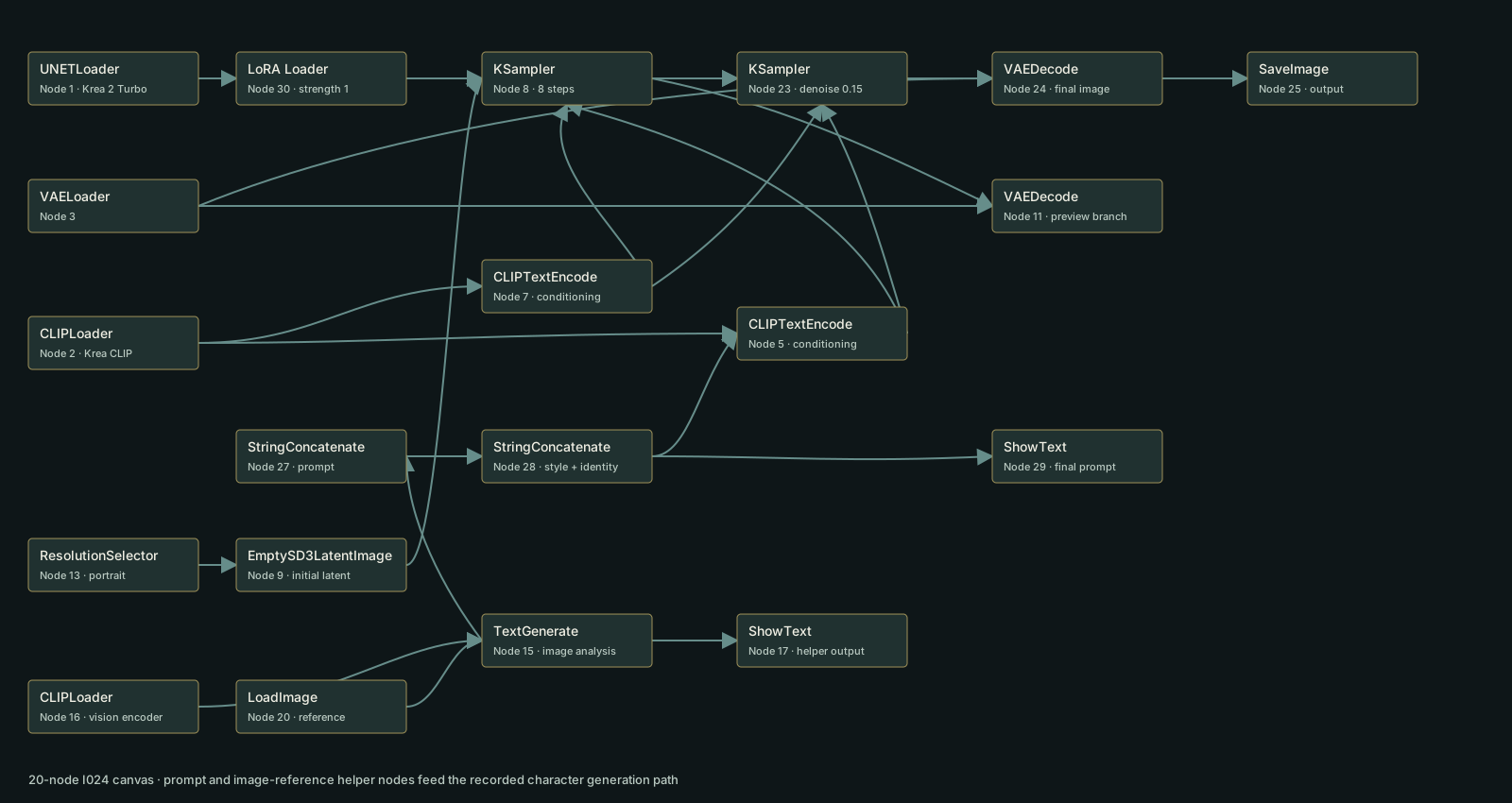
The saved graph combines Krea 2 Turbo and a LoRA with image-reference prompt preparation, two sampling passes, VAE decode and image save.
The image associated with these recorded settings.
This PNG includes both a saved workflow and execution-prompt data.
The saved canvas includes an image-to-text research branch. The image-generating sampler receives a literal text prompt; the helper branch is separate.
Comfyui Workflow JSONOriginal PNG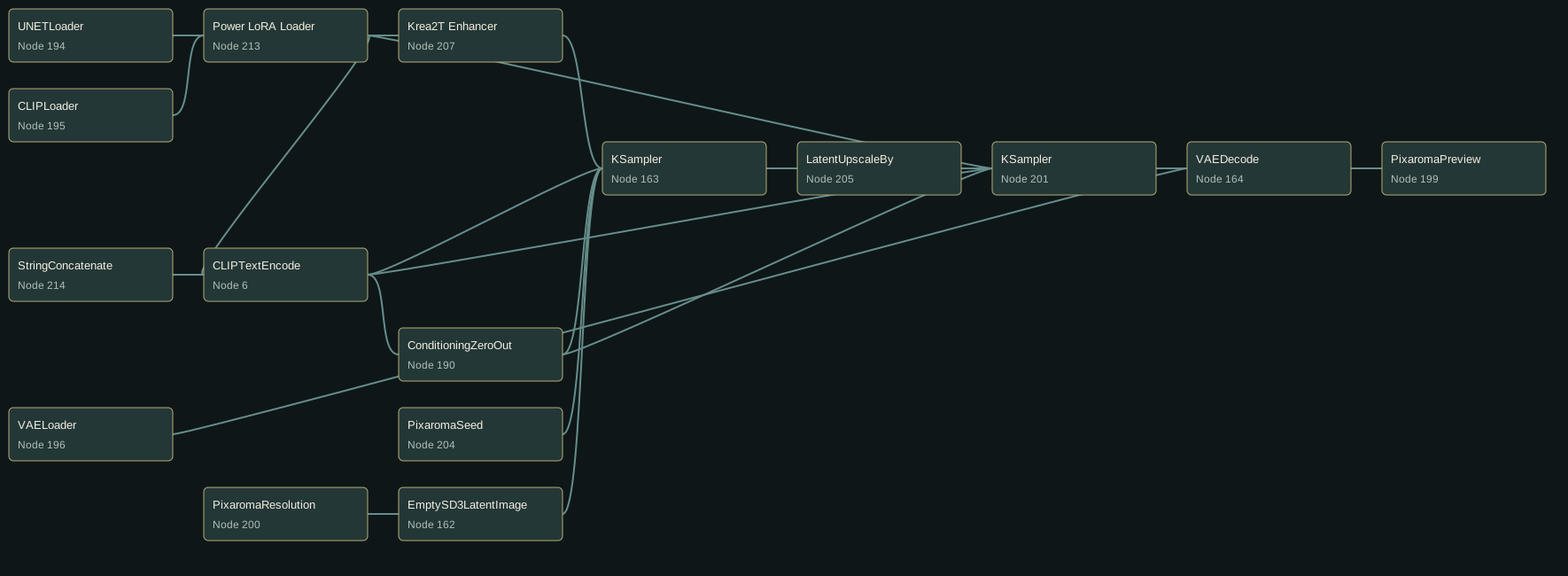
The image-generating sampler receives a literal text prompt; the image-to-text helper branch is separate.
A side-by-side research look at local image-to-3D models and a paid third-party service. The comparison considers input flexibility, output quality, and the trade-offs between running models locally and sending references to an external platform.
Strong 3D form and texture from one image. A single view leaves more of the hidden shape for the model to invent.
Gaussian splat · SPZA useful local option for early blockout production.
Mesh · GLBExcellent multi-image results, but it is a paid service and shares uploaded data and images with a third party.
Mesh · GLBLoading the TripoSplat Bob sample. Drag to orbit and scroll to zoom.
Models load on request to keep the portfolio page light.
Browse the artwork, boards, and reference material behind this project. Open image previews at a larger size. Source images and ComfyUI files are available where published.
No images match this search.